Translate your PowerPoint to any language
Increase your limits by signing up
In minutes, to any language
Our AI-powered PowerPoint translator seamlessly translates any presentation from any language to any language, in a matter of minutes.
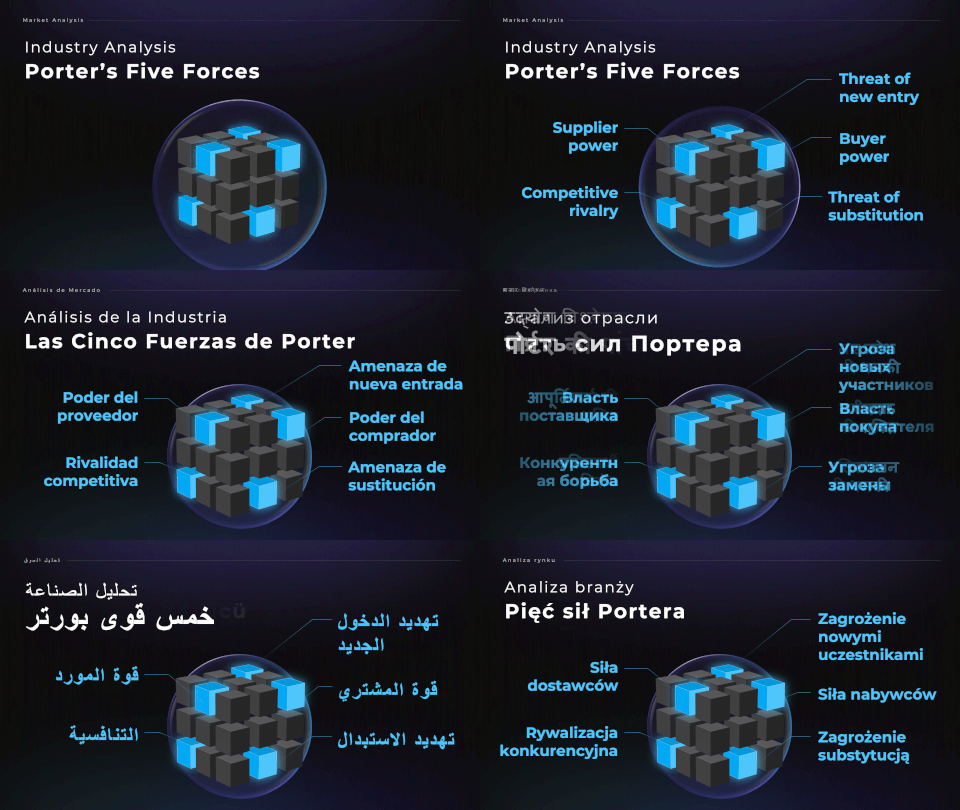
Tone and context aware
Translate files up to 200 MB in size. All translations are context and tone aware, so you can change the overall tone of all your slides in one click.

Ready in minutes
Track and download all your translations from your dashboard. All translations are completed in a number of minutes, not days.


Go global with a few clicks
Your users demand it, now you can achieve it.
English
Chinese
English
Italian
English
Hindi
English
Russian
No sign-up required
BENEFITS
Translate with the right tone
Reach a broader audience without language barrier
Multilingual delivery
Make your presentations accessible across teams, clients, or countries with just a few minutes.
Global readiness
Maximize the impact of your presentation. Reuse it for multiple markets or campaigns.
Natural tone
Adapt your language and tone to match the expectations of different target audiences.
How does it work?
Upload your presentation or select one of our pre-made templates
If you are a You Exec Plus member, start by uploading a PowerPoint file up to 200 MB and 10,000 words. Or simply use any of our pre-made presentation templates included in your Plus membership.
If you are a guest user, you can upload PowerPoint files up to 5 MB and 100 words. If you’d like to upload larger files or use our pre-made design templates, please join You Exec Plus.
For privacy and security considerations, all uploaded files will be deleted after 15 days.
Choose the language to translate your presentation to
After uploading the original presentation, choose which language you’d like the presentation to be translated to. Optionally, you can also select the tone of the translation. For example: formal, professional, casual, etc.
Based on your selection, Magic Translator will begin the translation task while preserving the content and design of your original presentation.
Download your newly translated presentation
Magic Translator typically takes a few minutes to complete a task.
Please keep your browser window open while the translation task is still in progress. Or you can copy the URL of the task to check on its progress later.
If you are a You Exec Plus member, you will receive an email notification when your translation task is complete. So there’s no need to keep your browser window open. You can also access all your Magic AI tasks and download the resulting files from your dashboard.
For privacy and security considerations, all completed tasks and resulting files will be deleted after 15 days.
Trusted by top partners